The Average Is a Lie
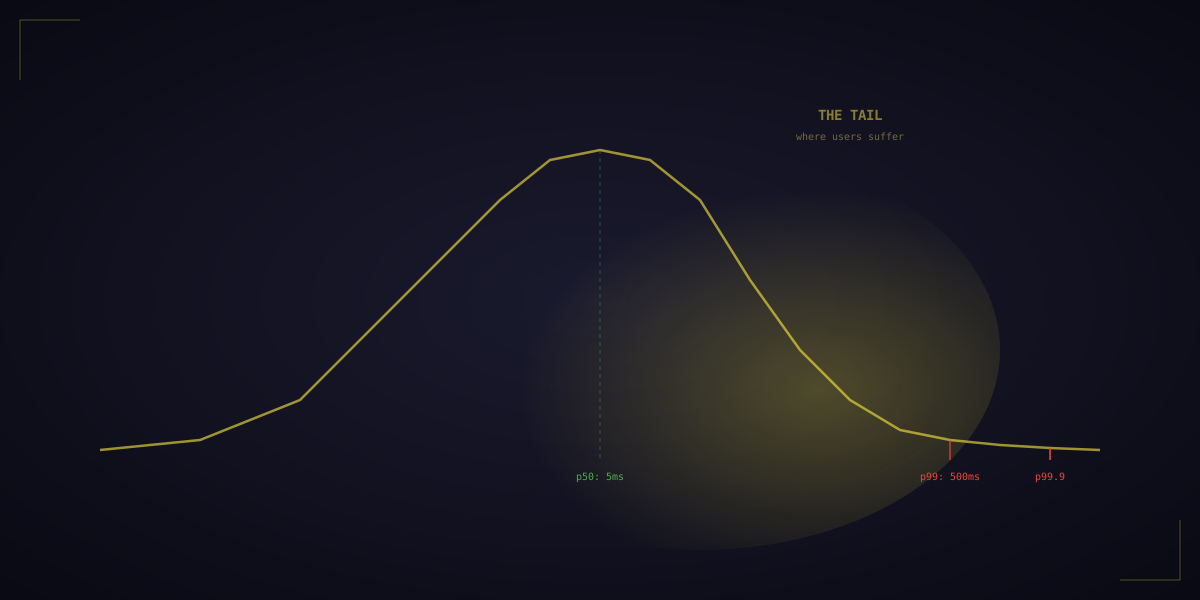
Your service has a 5ms average response time. Your team celebrates. But your p99 is 500ms — 1 in 100 requests takes half a second. For a single user making one request, this seems fine. But modern applications are not single requests.
A Google search query fans out to hundreds of backend servers in parallel. The response is only as fast as the slowest server. If each server has a 1% chance of being slow, and you query 100 servers, the probability that at least one is slow is 1 - 0.99^100 = 63%. Most of your users experience tail latency.
Jeff Dean at Google: "If a user request must collect responses from 100 servers, and each has a 99th-percentile latency of 10ms, then the 99th-percentile latency of the overall request is dominated by the slowest server — effectively becoming the common case, not the rare case."
Why Do Tail Latencies Exist?
Even on a perfectly tuned server, latency outliers are inevitable:
- Garbage collection: a 50ms GC pause hits 1% of requests. JVM-based systems (Elasticsearch, Cassandra, Kafka) are especially susceptible.
- Background I/O: a disk flush, log rotation, or compaction steals I/O bandwidth for a moment.
- Network queueing: a burst of packets fills a switch buffer. One packet waits an extra millisecond.
- CPU contention: another process on the same machine steals CPU cycles. Context switches add microseconds.
- TLS handshakes: the first request to a new server requires a handshake (1-2 RTTs). Subsequent requests reuse the session.
- Cold caches: after a restart, the first requests hit disk instead of RAM.
Figure 1: With fan-out, the probability of hitting tail latency grows rapidly. At 100 servers with 1% slow rate, 63% of requests experience a slow response.
How Google Fights Tail Latency
- Hedged requests: send the request to two servers simultaneously. Use whichever responds first. Costs 2x resources but eliminates most tail latency. Google uses this for BigTable reads.
- Tied requests: send to two servers but include a cancellation token. When one server starts processing, it tells the other to cancel. Gets the benefit of hedging with less wasted work.
- Canary requests: send a probe request first. If it's fast, send the real request. If it's slow, try another server.
- Micro-partitioning: split work into many more partitions than servers. If a server is slow, its partitions can be redistributed quickly.
- Latency-aware load balancing: route requests away from servers with recently high latency. Envoy proxy supports this with its "least request" and "latency-aware" balancers.
Google's Jeff Dean reported that hedged requests reduced the 99.9th percentile latency of BigTable reads from 80ms to 16ms — a 5x improvement — while only increasing total request volume by ~2%.
Measuring Tail Latency Right
Do not average your latencies. Use percentile histograms. Track p50, p95, p99, and p99.9 separately. Tools like Prometheus with histograms, HDRHistogram, and Datadog's distribution metrics support this natively. Also: measure latency at the client, not the server. Server-side metrics miss queueing delays, network latency, and load balancer overhead.