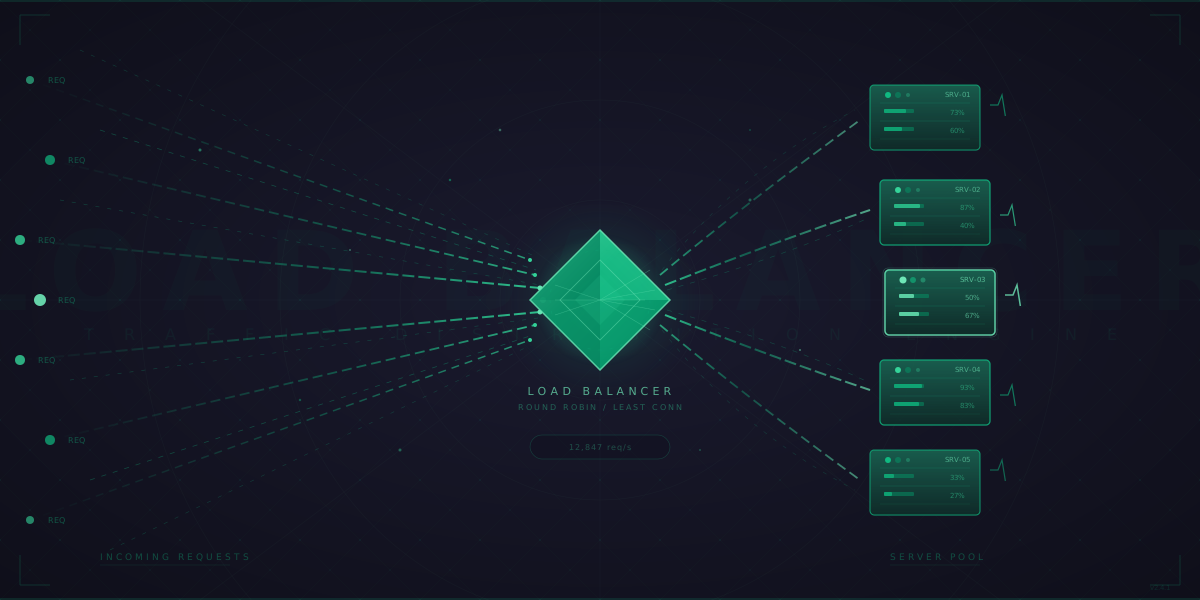
What Happens in the 1ms an ALB Adds to Your Request?
Every time a request hits an AWS Application Load Balancer, roughly 1 millisecond passes before it reaches your backend. That sounds like nothing. But in that millisecond, an extraordinary amount of work happens: TLS termination (decrypting your HTTPS traffic), HTTP parsing (reading headers, method, path), rule evaluation (checking path-based and host-based routing rules), target group selection, health check state lookup, and connection establishment to the chosen backend.
That single millisecond is the entire story of load balancing compressed into a blink. To understand what's really going on, we need to go deeper — down to the packet level.
When a client connects, the first thing that arrives at the load balancer is a TCP SYN packet. This is the client saying "I want to open a connection." At this exact moment, the LB has a decision to make: does it look at just this packet's headers (IP and port), or does it wait for the full HTTP request to arrive so it can make a smarter routing decision? That choice is the fundamental split between L4 and L7 load balancing.
L4 vs L7: What the Load Balancer Can Actually See
An L4 load balancer operates at the transport layer. When that TCP SYN arrives, it makes a routing decision immediately based on the source IP, destination IP, source port, and destination port — the 4-tuple. It never looks inside the packet payload. It doesn't know if you're sending HTTP, gRPC, WebSocket, or raw binary data. It doesn't care.
This is why L4 is fast. The LB rewrites packet headers using NAT (Network Address Translation) — swapping the destination IP from its own address to the chosen backend's address — and forwards the packet. The entire operation can happen in kernel space, often using technologies like DPDK or eBPF/XDP that bypass the kernel networking stack entirely. Google's Maglev load balancer handles 10 million+ packets per second per machine using this approach.
An L7 load balancer has to do far more work. It must complete the TCP handshake with the client, perform TLS termination (if HTTPS), buffer the HTTP request, parse headers, evaluate routing rules, then open a separate TCP connection to the backend and forward the request. It's essentially a full proxy — two connections instead of one. The overhead of parsing HTTP vs just forwarding packets is significant: L7 adds microseconds to milliseconds of latency per request, and each connection consumes more memory because the LB maintains state for both sides.
But L7 gives you superpowers. You can route /api/v2/* to your new service, send requests with X-Canary: true to canary backends, do A/B testing based on cookies, rate-limit by API key, and inject headers like X-Request-ID for distributed tracing. AWS ALB, NGINX, Envoy, and Traefik all operate at L7.
L4 rewrites packet headers and forwards — one connection end-to-end. L7 terminates TLS, parses HTTP, then opens a separate backend connection — two full TCP sessions.
The C10K Problem That Changed Everything
In 1999, Dan Kegel posed a question that shaped modern server architecture: can a single server handle 10,000 concurrent connections? At the time, the dominant model was one thread (or process) per connection. With 10K connections, you'd need 10K threads, each consuming ~1MB of stack memory. That's 10GB of RAM just for stack space — absurd for the hardware of the era, and still wasteful today.
The solution was event-driven I/O. Instead of blocking a thread per connection, a single thread monitors thousands of file descriptors using system calls like epoll (Linux), kqueue (BSD/macOS), or IOCP (Windows). When data arrives on any connection, the kernel notifies the application, which processes it and moves on. No thread sitting around waiting.
This is exactly how NGINX works. Each NGINX worker process runs a tight epoll event loop. One worker process can handle 10,000+ concurrent connections using roughly 2.5MB of memory. With 4-8 worker processes (one per CPU core), a single NGINX instance can handle 40K-80K concurrent connections comfortably. The worker never blocks — it processes events from a queue, handles them, and immediately picks up the next event.
Why HAProxy Can Handle 2 Million Connections Simultaneously
HAProxy pushes this even further. It's purpose-built for load balancing — not a web server that learned to proxy, but a proxy from the ground up. HAProxy can sustain 2 million concurrent connections and push 40Gbps of traffic on commodity hardware. How?
First, it uses a single-threaded event-driven model per process (with multi-threading support added in 1.8+). Each thread processes connections non-blockingly. Second, HAProxy is extremely memory-efficient — it pre-allocates connection pools and avoids dynamic allocation in the hot path. Third, it supports zero-copy data transfer between client and server sockets using splice() on Linux, meaning data goes from one socket buffer to another without ever being copied into user space.
For L4 mode, HAProxy can use connection-level multiplexing — a single backend connection serving multiple frontend connections in HTTP/2 mode. This dramatically reduces the number of TCP connections to your backends while handling massive client-side concurrency.
Direct Server Return: When the Response Bypasses the Load Balancer
Here's a problem: if every request and every response flows through the load balancer, the LB becomes a bandwidth bottleneck. Think about video streaming — the request is tiny ("give me chunk 47 of this video") but the response is megabytes. Why force that multi-megabyte response back through the LB?
Direct Server Return (DSR) solves this. The request goes through the load balancer, which selects a backend. But instead of NAT-ing the packet (which would require the response to come back through the LB for address rewriting), the LB uses IP tunneling or MAC address rewriting. The backend server is configured with the LB's virtual IP (VIP) on a loopback interface, so it can respond directly to the client without the response needing to traverse the LB at all.
The result: the LB only handles inbound traffic. Outbound traffic (which is typically 5-100x larger) goes directly from server to client. This is how large-scale CDN nodes and streaming platforms handle massive throughput without the LB becoming the bottleneck.
With DSR, the load balancer only handles the small inbound request. The backend responds directly to the client, eliminating the LB as a bandwidth bottleneck for response-heavy workloads like video streaming.
Consistent Hashing: Why Adding a Server Doesn't Break Everything
Suppose you have 5 cache servers and you use server = hash(key) % 5 to decide which server holds each key. Simple. But what happens when you add a 6th server? Now it's hash(key) % 6, and almost every key maps to a different server. Your entire cache is effectively invalidated overnight. If those cache servers are handling thousands of requests per second, you just caused a thundering herd to your database.
Consistent hashing solves this elegantly. Imagine a circle (a hash ring) from 0 to 2^32. Each server gets hashed to a position on this ring. Each key also gets hashed to a position on the ring, and it maps to the next server clockwise.
When you add a 6th server, it lands at some position on the ring. Only the keys between it and the previous server get remapped — everything else stays put. The math: with K total keys and N servers, adding one server only remaps K/N keys on average. With 5 servers and 100K keys, that's only ~20K keys affected instead of ~80K with naive modulo.
But there's a catch: with only 5 points on the ring, the distribution is uneven. One server might own a huge arc, another a tiny one. The fix is virtual nodes (vnodes). Instead of placing each server once on the ring, you place it 100-200 times at different hash positions. This smooths out the distribution dramatically. Amazon's DynamoDB, Apache Cassandra, and most modern distributed caches use consistent hashing with vnodes.
Consistent hashing ring: keys map to the next server clockwise. When S4 is added, only keys in the arc between S4 and its predecessor remap. On average, only K/N keys move — far better than the ~(N-1)/N keys disrupted by naive modulo hashing.
Health Checks: More Than Just Pinging /health
A load balancer that sends traffic to dead servers is worse than no load balancer at all. Health checks are how the LB knows which backends are alive. But there's more nuance here than most people realize.
TCP health checks just attempt a connection. If the three-way handshake completes, the server is "healthy." This catches servers that are completely down but misses servers that accept connections but can't serve requests (like a Java app that's started Tomcat but hasn't finished loading its Spring context).
HTTP health checks send an actual HTTP request (usually GET /health) and verify the response code. Better, but a 200 from /health doesn't mean /api/orders works — maybe the database connection pool is exhausted. The best health endpoints check actual dependencies: database connectivity, cache reachability, disk space, memory pressure.
Then there's flap detection. A server that alternates between healthy and unhealthy every few seconds is "flapping." Good load balancers implement hysteresis — requiring multiple consecutive successes before marking a server healthy again (e.g., "3 failures to mark down, 5 successes to mark back up"). This prevents routing traffic to an unstable server.
Connection draining is equally critical. When you remove a server (for deployment, scaling down, etc.), you can't just yank it out of the pool. In-flight requests would fail. Instead, the LB stops sending new requests to the server but lets existing connections finish. AWS ALB calls this "deregistration delay" (default: 300 seconds). Get this wrong and your deployments cause error spikes.
How Cloudflare Routes 50M Requests/Sec to the Right Server
When your users are spread across continents, a single load balancer in us-east-1 isn't going to cut it. You need Global Server Load Balancing (GSLB).
Cloudflare's network spans 300+ cities and handles 50+ million HTTP requests per second. How does a request from Tokyo reach a server in Tokyo and not one in Frankfurt?
The first layer is Anycast. Cloudflare announces the same IP address from every data center worldwide. When a user's ISP routes a packet to that IP, BGP (the internet's routing protocol) naturally sends it to the nearest Cloudflare POP (Point of Presence). No DNS tricks needed — it's pure routing-level proximity.
The second layer is GeoDNS. When a DNS resolver queries Cloudflare's authoritative nameserver, Cloudflare can return different IP addresses based on the resolver's geographic location. Users in Asia get IPs for Asian POPs; European users get European IPs.
The third layer is real-time health and performance monitoring. If a POP becomes overloaded or an origin server goes down, traffic is automatically shifted to the next-nearest healthy location. This happens within seconds, not minutes.
Google takes a different approach with Maglev, their custom L4 load balancer. Each Maglev machine handles 10M+ packets per second using a kernel-bypass architecture with DPDK. Maglev uses consistent hashing to ensure that packets from the same connection always reach the same backend, even when Maglev instances are added or removed. It's designed so that no single machine is a bottleneck — every machine in the cluster can handle any incoming packet.
Putting It All Together
Load balancing isn't one thing — it's a stack of decisions layered on top of each other:
- Global level: Anycast + GeoDNS routes users to the nearest datacenter (Cloudflare, AWS Global Accelerator).
- Regional level: L4 load balancers distribute TCP connections across L7 load balancers (AWS NLB in front of ALB, or Google's Maglev in front of their HTTP proxies).
- Application level: L7 load balancers do content-based routing, TLS termination, and health-aware traffic distribution (NGINX, Envoy, ALB).
- Service mesh level: Sidecar proxies like Envoy handle load balancing between microservices with circuit breaking, retry budgets, and outlier detection.
At massive scale, you're not choosing between L4 and L7 — you're using both. The L4 layer handles the raw packet shuffling at line rate. The L7 layer adds intelligence. DSR keeps response traffic off the balancer. Consistent hashing keeps your caches warm. Health checks keep the dead servers out. And connection draining keeps your deployments smooth.
The next time you see that ~1ms added to your ALB request, you'll know: that millisecond is buying you horizontal scalability, fault tolerance, zero-downtime deployments, and the ability to sleep through the night while your traffic doubles.
References and Further Reading
- What Is Load Balancing? — NGINX
- Inside NGINX: How We Designed for Performance and Scale — NGINX Blog
- HTTP Load Balancing — NGINX Documentation
- HAProxy Architecture Guide — HAProxy Documentation
- The C10K Problem — Dan Kegel
- Maglev: A Fast and Reliable Software Network Load Balancer — Google Research (NSDI 2016)
- Consistent Hashing and Random Trees — Karger et al. (1997)
- A Brief Anycast Primer — Cloudflare Blog
- Cloudflare Architecture and How BPF Eats the World — Cloudflare Blog
- What Is an Application Load Balancer? — AWS Documentation
- What Is a Network Load Balancer? — AWS Documentation